Video
The video formatevery network accepts.
Which file type, codec, size and frame rate to export so a video uploads first time on Instagram, TikTok, YouTube Shorts, LinkedIn, X and Facebook.
By PostAll3 min read
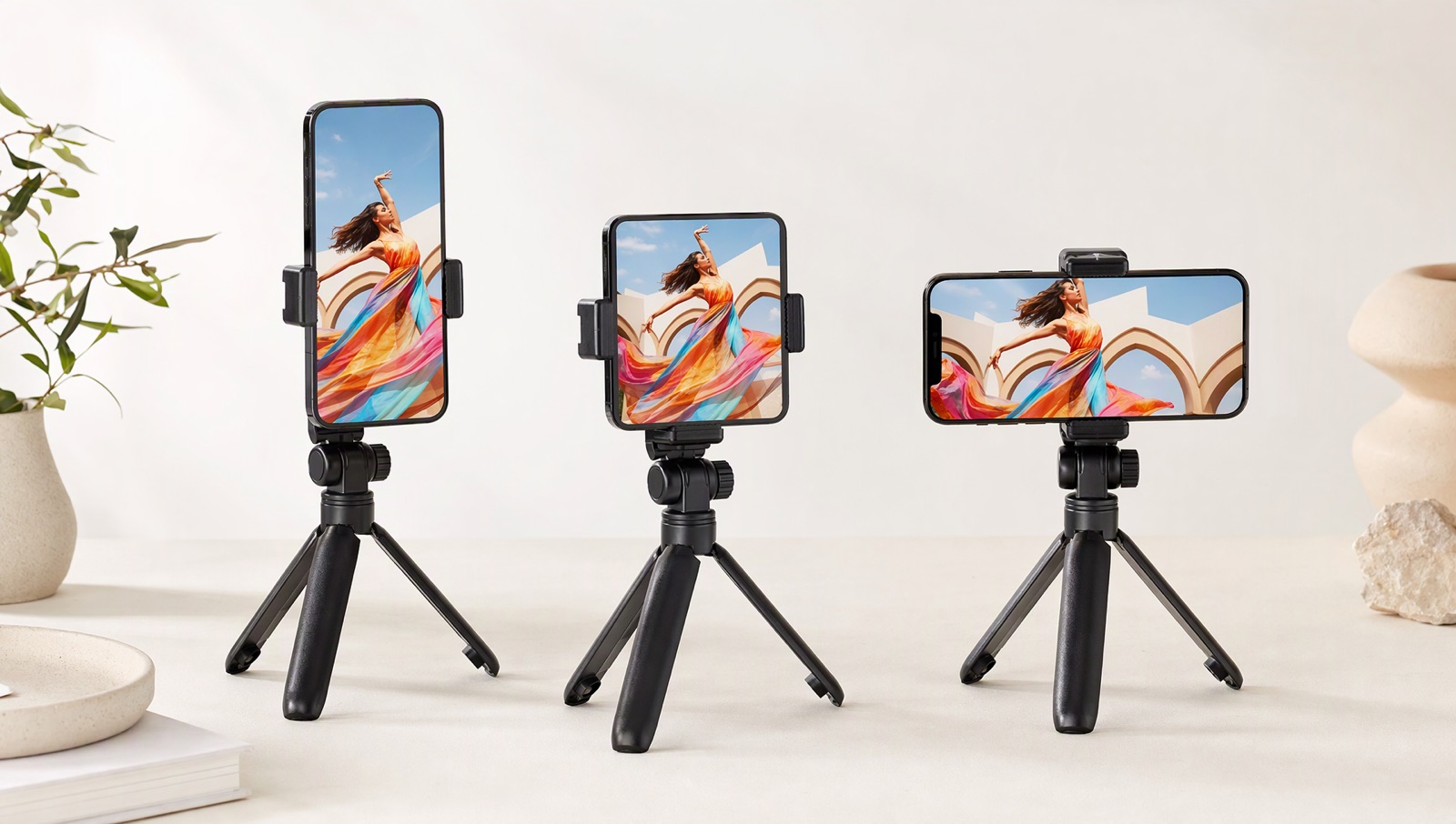
Export an MP4 with H.264 video and AAC sound, 1080 × 1920 for vertical or 1920 × 1080 for wide, at 30 frames a second. That combination uploads cleanly everywhere.
The safe choice
If you only remember one setting, remember this one:
| Setting | Use |
|---|---|
| File type | MP4 |
| Video codec | H.264 |
| Sound | AAC |
| Vertical size | 1080 × 1920 (9:16) |
| Wide size | 1920 × 1080 (16:9) |
| Frame rate | 30 fps (or 24, 25, 60) |
Why not the phone's own format
iPhones record in HEVC by default to save space. Instagram and TikTok usually take it, but LinkedIn, X and some web uploaders can reject it or turn it into a blurry mess. H.264 is older and slightly bigger, and that's exactly why everything accepts it.
Vertical or wide
Reels, TikTok and Shorts are full-screen vertical, so film or crop to 9:16. Wide 16:9 suits YouTube and X. If one clip has to go to both, a vertical crop of a wide video, or a wide video on blurred edges, saves filming twice.
Convert and shrink a video to MP4
Make a video smaller so it uploads faster and stays under every network's limit.
Open Compress videoFrame rate
Keep the frame rate you filmed at if it's 24, 25, 30 or 60. Unusual rates from some apps and screen recorders, like 29.97 with variable timing, are a common reason a video plays choppy after upload. Re-exporting at a steady 30 fixes it.