Scheduling
Schedule a week of postsin one sitting.
Plan and schedule a week of social media posts in one go: batch the work, pick your times, and leave room for what happens on the day.
By PostAll4 min read
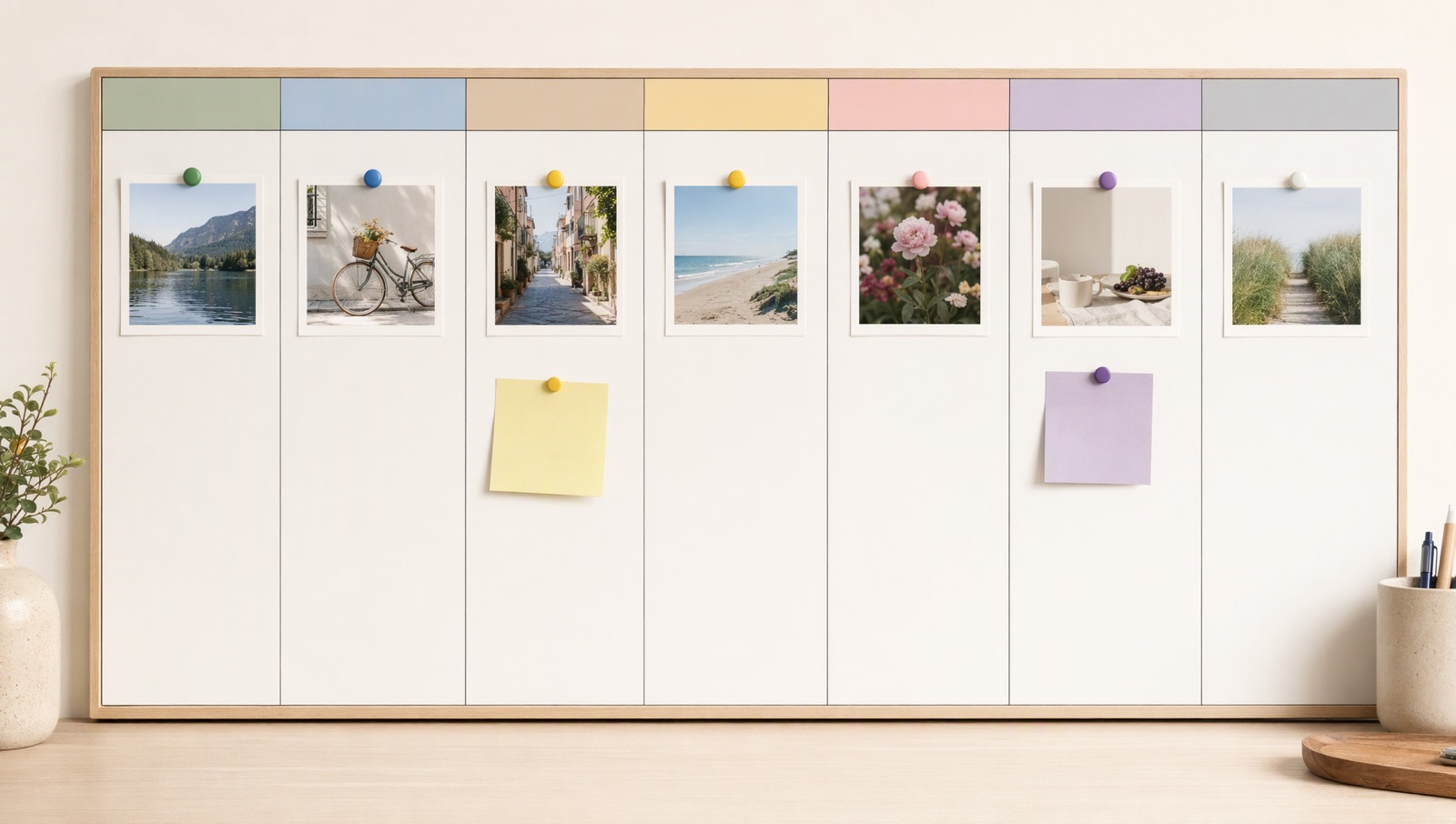
Set aside one block a week, make all the posts in it, and schedule them for set days and times. Keep one or two gaps for news you can't plan.
Batch the work
Switching between taking photos, writing and posting every day costs more time than the posts themselves. Doing a week's worth in one sitting keeps you in one frame of mind: shoot everything, then write everything, then schedule everything.
Pick a rhythm you can keep
Posting three times a week every week beats posting every day for a fortnight and then stopping. Choose days and times you can repeat, and stick to them long enough to see what works.
For times, start with when your own audience is around: lunch breaks and evenings in their time zone are a sensible first guess. Then check your numbers after a few weeks and move the slots that underperform.
Plan in a calendar
Seeing the week laid out shows problems before they go out:
- Two promotions back to back, or the same photo twice.
- A network that gets nothing all week.
- A post timed for the middle of the night in your customers' time zone.
Leave room for the day
Schedule most of the week, not all of it. Keep a gap or two for news, replies and anything timely. A planned week makes it easy to drop something in without the rest falling over.
Check it went out
Scheduled posts can still fail: a login expires, a video is too long for one network. Look at the week's posts once a day, or use a scheduler that emails you when something needs fixing.