Photos
Make a LinkedIn carouselfrom a simple PDF.
LinkedIn carousels are PDF documents shown one page at a time. How to size the pages, how many to make, and how to write slides people swipe through.
By PostAll3 min read
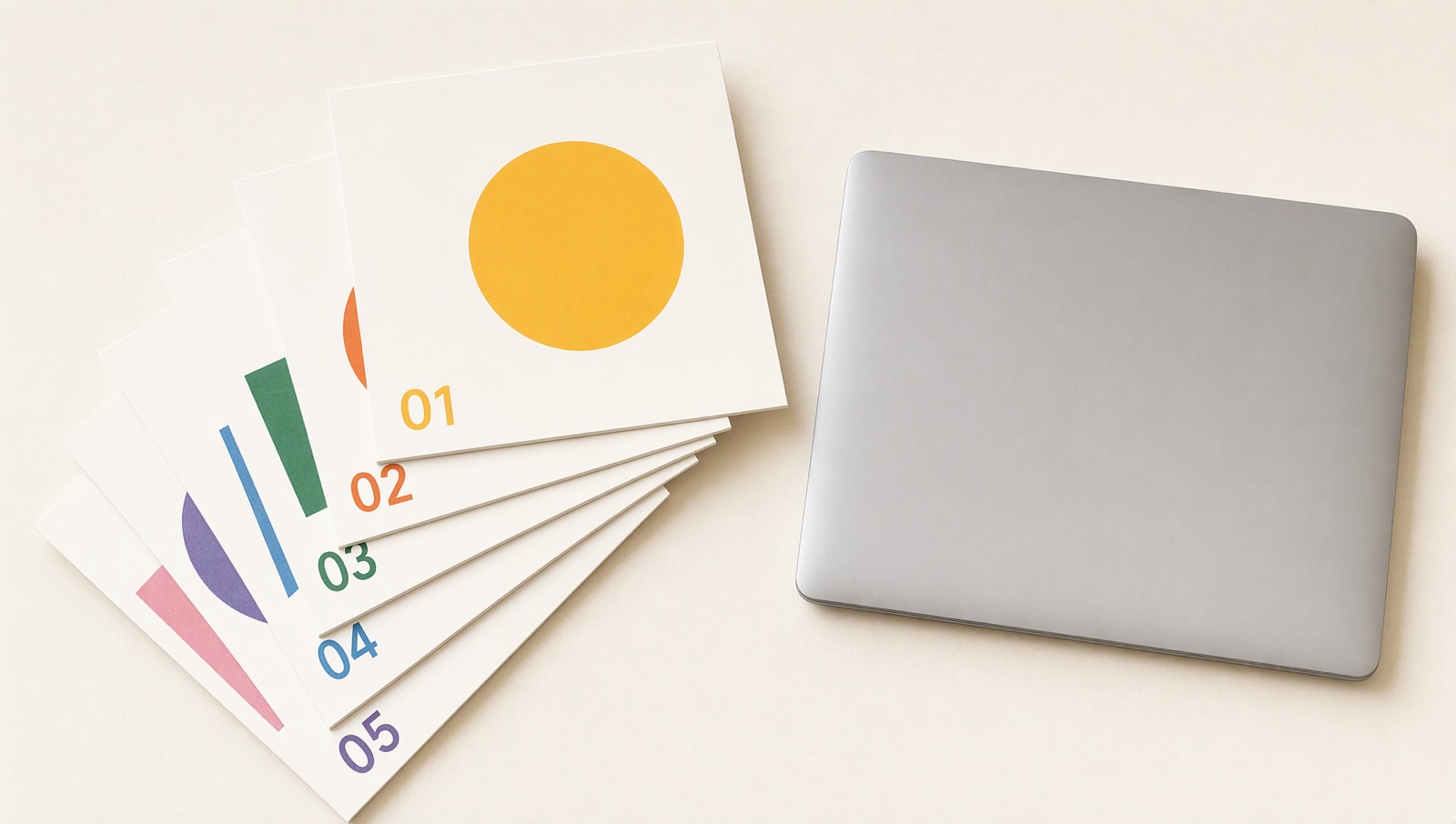
Design square or 4:5 portrait pages, keep one idea per page with big text, and upload them as a single PDF document. LinkedIn shows it as a swipeable carousel.
A carousel is a PDF
On LinkedIn, the swipeable carousels you see are document posts: a PDF uploaded to the post, shown one page at a time. Any tool that exports a PDF can make one, from Canva and Keynote to Google Slides.
Page size
Square pages (1080 × 1080) or portrait 4:5 pages (1080 × 1350) fill the most of a phone screen in the feed. Wide slides from a normal presentation work, but show up small. Keep every page the same size.
What goes on each page
Carousels are read on phones, quickly:
- One idea per page, in big type. If it needs a paragraph, it needs two pages.
- Make the first page a promise: what people get if they keep swiping.
- Number the pages, so people know how far they are.
- End with what to do next: follow, comment, or visit a link.
How many pages
Long enough to deliver the promise, short enough that people finish it. For most topics that's somewhere between five and ten pages.